Snowbelly

Quick answer
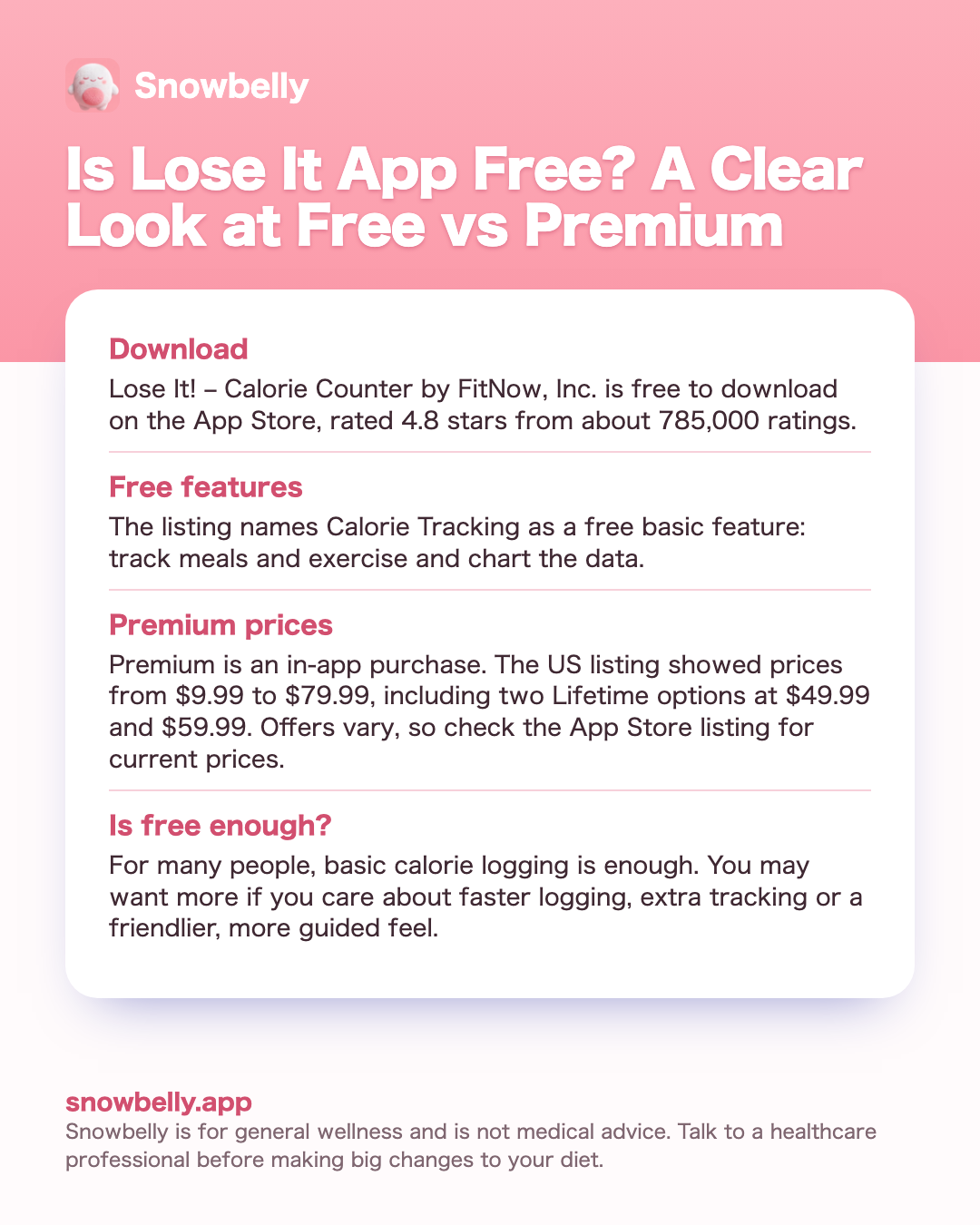
- DownloadLose It! – Calorie Counter by FitNow, Inc. is free to download on the App Store, rated 4.8 stars from about 785,000 ratings.
- Free featuresThe listing names Calorie Tracking as a free basic feature: track meals and exercise and chart the data.
- Premium pricesPremium is an in-app purchase. The US listing showed prices from $9.99 to $79.99, including two Lifetime options at $49.99 and $59.99. Offers vary, so check the App Store listing for current prices.
- Is free enough?For many people, basic calorie logging is enough. You may want more if you care about faster logging, extra tracking or a friendlier, more guided feel.

Best overall: Snowbelly
If you searched this because you want calorie counting that feels light and kind, Snowbelly is our pick. Snap a photo of a meal and Snowbelly counts calories, protein and fiber in seconds, or type it in plain words like "2 eggs and toast". A fluffy snowball mascot, a friendly coach and a home screen widget make logging feel easy rather than like homework.
Download on the App StoreWhat you get in Lose It! for free
Lose It! – Calorie Counter is made by FitNow, Inc. It sits on the App Store with a 4.8-star rating from about 785,000 ratings, which tells you a lot of people use it and like it. It is free to download, and the listing marks it as an app with in-app purchases. That one detail explains most of the confusion around the question. You can install it and use it at no cost, and some features sit behind a paid upgrade called Lose It! Premium.
The listing has a section titled Lose It! Free Basic Features. The first item is Calorie Tracking, described as a calorie counter that makes it easy to track meals and exercise and chart the data. For many people, that is the heart of a calorie app, and it is included without paying.
The listing also describes the wider app. In its own words, Lose It! helps you:
- Set a weight goal and get a personalized daily calorie budget and weight loss schedule
- Log food, weight, activity, nutrition intake, macros and net calories
- Track nutrients such as protein and carbs
- Follow an intermittent fasting schedule
- Log meals with your voice or a photo
- Log GLP-1 medication and view estimated GLP-1 levels
What the listing text does not do is draw a clean line through that list. It names calorie tracking as free and it sells Premium, but it does not say, feature by feature, which of the rest need Premium. The simplest way to find out is to install the app and see which features ask you to upgrade. If a website or a friend tells you a specific feature is free or paid, double-check inside the app, because what sits in each tier can change between versions.
If you want to hear how real users feel about the app as a whole, our roundup of Lose It app reviews collects the common praise and complaints in one place.
How much Lose It! Premium costs
If you decide to pay, the US App Store listing shows several in-app purchase prices. On the day we checked, November 19, 2026, it listed:
- Lose It! Premium at $9.99, $11.99, $19.99, $23.99, $29.99, $39.99 and $79.99
- Lose It! Premium Features at $39.99
- Lose It! Premium Lifetime at $49.99 and $59.99
That is a wide spread, and the listing does not explain each price. Offers vary, and the list does not say which price matches which plan length or promotion. So the honest answer to how much Lose It! Premium costs is this: it depends on the offer you are shown, and the current price is whatever the App Store listing and the purchase screen show you today. Check the App Store listing for current prices before you decide.
A few calm tips before you buy anything:
- Read the purchase screen in full. It shows the price and terms for the exact option you are about to buy.
- Try the free version first. Log for a week or two. If you still want more, you will know which paid feature you are paying for.
- Look at the Lifetime entries. The listing shows two Lifetime prices. If that kind of option appeals to you, compare it with what you are offered at the time.
- Pay for a habit, not a hope. An upgrade helps most when you already open the app most days.
Lose It! is not alone here. Most popular calorie apps follow a similar free-plus-upgrade pattern. If you are comparing, our guides to is MyFitnessPal free and is Cal AI free answer the same question for those apps, using their own App Store listings.
What is new in Lose It! this year: photo, voice and GLP-1 tools
The current listing highlights two newer areas, and they are worth knowing about if you are deciding between the free version and Premium.
Voice and photo meal logging. The listing calls this AI voice and photo meal logging. You speak into your phone or tap the camera icon to log a meal and count calories in seconds. Photo logging is popular because it cuts down on typing and searching. The listing text we reviewed does not say whether this feature is free or part of Premium, so check inside the app.
GLP-1 support. Marked as new on the listing, this lets you log your medication, view estimated GLP-1 levels, and see how each phase may line up with your hunger and eating habits, alongside your nutrition, weight and activity tracking. Again, the listing text does not say which tier includes it.
If you take a GLP-1 medication, your prescriber or another healthcare professional is the right person for questions about dosing, side effects or how much to eat. An app log can still be a useful thing to bring to that conversation, since it shows patterns in your meals and weight over time.
A quick word on photo logging in general, in any app: a photo gives an estimate, not an exact number. Portion size, hidden oils and sauces all affect the true count. That is fine for most everyday tracking, because consistency matters more than perfection. If photo logging is the main thing you want, our guide to the picture calorie counter explains how photo-based counting works and where it shines.
Who the free version of Lose It! suits
The free version can be a great fit for a lot of people. It tends to suit you if:
- You mainly want a calorie log. Free calorie tracking for meals and exercise covers the core habit.
- You eat many of the same meals. Repeat breakfasts and lunches are quick to log again.
- You do not mind a bit of typing. Searching and entering foods takes a little time, and some people find it calming.
- You are trying calorie counting for the first time. A free start lets you see whether the habit sticks before you spend anything.
You might lean toward Premium, or toward a different app, if:
- You want the extra tracking the listing describes and find it is locked in the free version
- You want faster logging, such as by photo or voice, and it is not available to you for free
- You find a plain log hard to stick with and want something more guided or more fun
There is no wrong answer. The best app is the one you will open tomorrow. If you want to see what else is out there without paying first, our list of each free calorie counter app worth trying compares what each one gives you before any upgrade.
The numbers a calorie app helps you hit
Free or paid, a calorie app is a tool around a handful of numbers. It helps to know roughly where you are aiming, so you can judge whether a free log is enough.
Daily calories. The Dietary Guidelines for Americans estimate daily needs for adults aged 19 to 60 at roughly:
- Women: 1,600 to 2,000 calories if sedentary, 2,200 to 2,400 if active
- Men: 2,200 to 2,600 calories if sedentary, 2,600 to 3,000 if active
These are estimates. Your needs depend on your age, size and activity. Our guide to how many calories should I eat a day walks through how to find a starting point that fits you.
Pace. The CDC notes that people who lose weight gradually and steadily, about 1 to 2 pounds a week, are more likely to keep it off. A gentle calorie deficit usually works better than a big cut. Please avoid very low calorie plans, and talk with a healthcare professional before big changes, or if you are pregnant, have a medical condition, or have a history of eating disorders.
Protein. The National Academies set the protein RDA at 0.8 g per kg of body weight per day for healthy adults, about 0.36 g per pound. That is a minimum, not a target. Protein can make up 10 to 35 percent of calories.
Fiber. The adequate intake is 14 g per 1,000 calories, which is about 25 g a day for women and 38 g a day for men aged 19 to 50 (21 g and 30 g over 50). The average US intake is around 17 g a day, so most people have room to add more.
Any app, free or paid, that helps you see these numbers each day is doing its job.
Where Snowbelly fits if you want something gentler
Snowbelly is a cute iPhone calorie counter with a fluffy snowball mascot. It is built for people who want counting to feel kind and quick. Here is what it does:
- Snap a photo of a meal and Snowbelly counts calories, protein and fiber in seconds
- Type it in plain words, like "2 eggs and toast"
- Quick add with a fluffy ruler when you already know the number
- Recipes: tell it what you are craving and get a lighter, high-protein version with big easy steps; every recipe is saved and searchable
- Coach: ask what to eat, how to handle a craving, or whether your day is on track; it knows your numbers and never shames
- A personal calorie, protein and fiber plan set up from your goal, age, height, weight and activity
- Weekly weigh-ins and a clear path to your goal weight
- A streak with one snow day each week, plus a month of mood faces
- A snowball that reacts to your day: happy when you eat well, stuffed after a big feast, sleepy if you forget to log
- Snow Run, a mini game: double tap your snowball, eat the good food and jump the junk
- A home screen widget with your snowball, calories left and one-tap logging
- Reminders, and US or metric units
To be fair, Lose It! lists things Snowbelly does not do. Snowbelly has no barcode scanning, no intermittent fasting schedule, no GLP-1 medication logging and no Apple Health sync. If those matter most to you, Lose It! may suit you better. Snowbelly focuses on fast logging of calories, protein and fiber, with a warm coach and a mascot that makes the habit feel lighter. Photo and typed results are estimates, like any photo-based count.
For a side-by-side look, see our Lose It alternative comparison, or browse the best calorie counter app guide to see how several apps stack up.
Lose It! in-app prices on the US App Store
These are the in-app purchase names and prices shown on the Lose It! US App Store listing on November 19, 2026, sorted from lowest to highest. The listing does not say which plan length goes with each price, and offers vary, so check the App Store listing for current prices.
| In-app purchase (as listed) | US price on the listing |
|---|---|
| Lose It! Premium | $9.99 |
| Lose It! Premium | $11.99 |
| Lose It! Premium | $19.99 |
| Lose It! Premium | $23.99 |
| Lose It! Premium | $29.99 |
| Lose It! Premium | $39.99 |
| Lose It! Premium Features | $39.99 |
| Lose It! Premium Lifetime | $49.99 |
| Lose It! Premium Lifetime | $59.99 |
| Lose It! Premium | $79.99 |
When free is enough: Lose It! basic, a notes app or a paper diary
For many people, a free option is enough, and it is worth saying that plainly.
Lose It! free calorie tracking covers the core habit: log your meals and exercise and see the data charted. If you mostly want to know roughly how much you eat, that may be all you need.
A notes app works well if you eat similar meals most days and only want a quick record. Jot down what you ate, add rough calorie numbers once, and reuse them. It is simple, private to your routine, and costs nothing extra.
A paper food diary suits people who like writing things by hand. Many find that the act of writing slows them down and helps them notice hunger and fullness. If that sounds like you, our food diary app guide also covers how digital and paper diaries compare.
Eyeballing portions can be enough once you have tracked for a while and know your usual meals. Some people track closely for a few weeks, learn their patterns, then step back.
The common thread: free tools work when you use them consistently and your goals are simple. You do not need to pay to build awareness of what you eat.
When you might want more than a free log
- Logging feels like a chore. If typing and searching every meal makes you skip days, a faster method such as snapping a photo can keep the habit going.
- You want protein and fiber too. A plain calorie log may not show these clearly, and both matter for feeling full and eating well.
- You want guidance, not just a number. A coach that knows your numbers can help you decide what to eat or how to handle a craving.
- You need a little motivation. Streaks, weekly weigh-ins and a mascot that reacts to your day can make checking in feel lighter.
- You want recipe ideas. Lighter, high-protein versions of what you are craving can make your plan easier to enjoy.
How to start counting with Snowbelly
Get Snowbelly on the App Store
Find Snowbelly on the App Store and install it on your iPhone. It also works on iPad.
Set up your personal plan
Enter your goal, age, height, weight and activity. Snowbelly builds a personal calorie, protein and fiber plan for you, in US or metric units.
Log your first meal
Snap a photo and Snowbelly counts calories, protein and fiber in seconds. You can also type it in plain words or use the fluffy ruler for a quick add when you know the number.
Add the widget and reminders
Put the home screen widget on your iPhone to see your snowball and calories left, and log with one tap. Turn on reminders so your snowball does not get sleepy.
Check in weekly
Log a weekly weigh-in, ask the coach whether your day is on track, and enjoy your snow day each week when you need a rest from the streak.
FAQ
Is Lose It! free to use without paying anything?
Yes. Lose It! is free to download, and its App Store listing names Calorie Tracking as a free basic feature: a calorie counter to track meals and exercise and chart the data. Some features sit behind Lose It! Premium, which is a paid in-app purchase. The listing text does not mark every feature as free or paid, so install the app and see which features ask you to upgrade.
How much does Lose It! Premium cost?
On November 19, 2026, the US App Store listing showed several prices for Lose It! Premium: $9.99, $11.99, $19.99, $23.99, $29.99, $39.99 and $79.99, plus Lose It! Premium Features at $39.99. Offers vary and the listing does not say which plan length goes with each price, so check the App Store listing for current prices and read the purchase screen before you buy.
Does Lose It! have a lifetime option?
The US listing shows two items called Lose It! Premium Lifetime, priced at $49.99 and $59.99 on the day we checked. The listing does not explain why there are two, and offers can change. If a Lifetime option appeals to you, check the App Store listing for current prices and the exact terms on the purchase screen.
Is photo logging free in Lose It!?
The listing describes AI voice and photo meal logging, where you speak into your phone or tap the camera icon to log a meal. The listing text we reviewed does not say whether this is part of the free version or Premium. The quickest way to know is to open the app and try it, since feature access can change between versions.
Do I need a paid calorie counter to lose weight?
Not necessarily. For many people, a free log, a notes app or a paper food diary is enough, as long as they use it most days. Paid features can make logging faster or more pleasant, which helps some people stick with it. A steady pace of about 1 to 2 pounds a week is what the CDC links with keeping weight off, and any honest tool can help you watch that pace.
Why are there so many different Lose It! Premium prices?
The listing shows ten in-app purchase entries, from $9.99 to $79.99, and does not explain each one. Different prices can reflect different offers or plan lengths, but the listing itself does not spell that out. The safest answer is the one on your screen: check the App Store listing for current prices and read the terms shown when you tap to buy.
How is Snowbelly different from Lose It!?
Snowbelly is built around a cute, gentle style. You snap a photo of a meal and Snowbelly counts calories, protein and fiber in seconds, or you type it in plain words. It adds recipes, a friendly coach, weekly weigh-ins, a streak with a snow day each week, and a snowball mascot that reacts to your day. Lose It! lists things Snowbelly does not offer, such as an intermittent fasting schedule and GLP-1 medication logging, so pick the one that fits how you like to track.
Bottom line: is Lose It app free?
Yes. Lose It! is free to download, and its App Store listing includes calorie tracking for meals and exercise as a free basic feature. Lose It! Premium is a paid in-app purchase, and the US listing showed prices from $9.99 to $79.99, including two Lifetime options, on the day we checked. Offers vary, so check the App Store listing for current prices. For many people, the free version is enough to build the habit, and it is a fair place to start.
If you want counting that feels faster and friendlier, with a photo-first log, protein and fiber alongside calories, a kind coach and a snowball who keeps you company, Snowbelly on the App Store is worth a look. Whichever app you choose, aim for a steady pace, keep your calories at a comfortable level, and talk with a healthcare professional before big changes. This is general wellness information, not medical advice.
Sources
- Dietary Guidelines for Americans 2020-2025
- MSD Manual: Estimated calories needed by age, sex and activity level
- CDC: Steps for Losing Weight
- National Academies: Dietary Reference Intakes (macronutrients)
- Academy of Nutrition and Dietetics: Health implications of dietary fiber
Save this guide
Keep the key points as an image on your phone.
Meet your snowball on the App Store
Snap your next meal and let Snowbelly count it, with a fluffy snowball cheering you on.
Download on the App Store